
This is Dex.
Your helper in the shop.
You're looking for a part, can't decide on your first RC car, or are trying to understand why your setup just doesn't feel right. Then it's nice to be able to simply ask your question. Meet Dex, the AI shop assistant we're developing ourselves at Mini-Zshop. From your first lap to your next evening of tinkering.
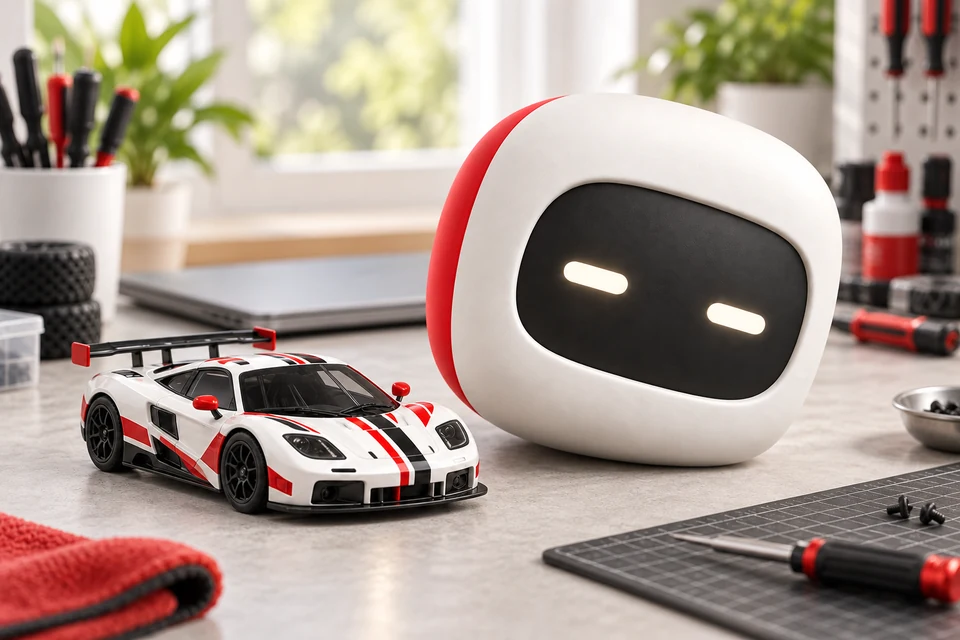
Maybe you've already spotted his little white head on our website. Behind ‘Ask Dex’ you'll find a digital colleague who helps you search, explains things and thinks along with you. You don't need to know any jargon. But would you rather talk about tyres, wheelbase or your motor mount? Then go right ahead and dive deep.
It gets really interesting when you say what you want to achieve. ‘I'm looking for tyres’ is a start. ‘I want my car to come out of the corner more calmly, without changing my whole setup straight away’ gives Dex much more to work with.

Fancy trying it right away?
Ask Dex your question. You can just keep reading here.
Your first car? Start with where you want to drive
Racing laps indoors or heading outdoors for adventure? Getting to know the hobby at your own pace or diving straight into tinkering? You don't need to have a model in mind yet to start a good conversation.
‘I want to get into Mini-Z and I don't have anything yet. I mainly want to drive on an indoor track. My budget is about € 300 for everything together. What should I consider in my choice, and what else do I need besides the car?’
A question like that covers your complete start right away. Dex can help compare models, pull up product information and work out what comes in a set. Also mention whether you already have a transmitter, batteries or a charger. That can change your choice.
Come across an unfamiliar term? Just ask what it means. And if you like two cars equally, ask about the differences that matter for how you'll use it. You don't need to memorise a list of specifications to choose a fun first car.
That one part, without endless searching
Sometimes you know exactly what you need. Sometimes you only know something is worn, or you've copied a number from a drawing. Dex can help you get from that clue to a more targeted search result.
‘I'm looking for a replacement part for my car. I have the model name and the number from the parts diagram. Can you first check what the part is and then see whether you sell it?’
That order is handy: first establish what you're looking for, then bring in the shop. For products found, you can click through to the product page for photos, price and stock. You can also ask Dex to explain a delivery time.
Is your car in My garage? Once you're logged in, Dex can take it into account in your question. Do mention important modifications, though: a different motor mount, electronics or a conversion can mean that a standard part is no longer the right choice.
For the enthusiast: describe what you feel on the track
Your car turns in nicely, but gets unsettled as soon as you get back on the throttle. The quick fix seems to be a new set of tyres. Still, you want to understand first where to look. That's a great question to unpick together with Dex.
‘I drive a rear-wheel-drive Mini-Z on RCP. Turn-in is fine, but the rear steps out when I accelerate out of the corner. I've already cleaned the tyres. I want to go through my current setup first and only buy parts after that. Which checks make sense, and what information do you need from me?’
Now you're describing the moment it goes wrong, the surface, what you've already tried and what you want to achieve. Dex can help organise the possible causes and look up explanations of the parts and setup options involved.
Then you can ask follow-up questions: ‘Explain what the T-plate can do here’ or ‘What would I check first if I mainly want a forgiving car?’ That way you can get from a vague driving feel to a more targeted next step.
Of course, Dex can't feel your car drive. See his explanations as help with your investigation; if in doubt, someone at the track is happy to take a look with you.
A great-looking body is only fun if it fits
If you've been driving for a while, you know the feeling: that one body looks amazing, but does it fit your combination? Just ‘fits Mini-Z’ usually isn't enough.
‘My Mini-Z has a 98 mm wheelbase and I'm looking for a different body. Can you look at the wheelbase, the width and the stated wheel offset for these two bodies? Also tell me which information is still missing before I order new wheels.’
This is where a precise question makes a difference. Ask Dex to put the specifications side by side and to indicate what's in the product information or the available documentation. You can also mention your chassis model and your current wheels.
A matching measurement isn't a complete fit check yet. Have any missing information named explicitly and check the combination before you order. That's exactly what makes such a comparison useful: you see not only what matches, but also what you still need to find out.
The manual at hand, right in the middle of your conversation
A part number that appears nowhere in the product name. An abbreviation on a drawing. A setting you can't remember the position of. Often the explanation is right there in the documentation, but you still have to find it.
We link available manuals, parts diagrams and parts lists to the corresponding products in our shop. Dex can look up relevant sections of the available documents for your question. That lets him look beyond just the short product description.
A parts diagram is also called an exploded view : you see the car as separate parts, often with codes next to them. Try for example:
‘I'm looking at the exploded view of my Kyosho MA-020. What is MZ8-4 and where is it? Give me the source page and then check whether you have the individual part.’
A concrete example: for MZ8-4 this Kyosho parts list says ‘Potentiometer’. The drawing shows where it sits in the steering. That's how a number that says little on its own gets a meaning. View the Kyosho source page.
So you can make a connection between the drawing, your question and an item in the shop. A source link with a page reference helps you look back at the explanation yourself. Handy when you're sitting next to your car with a tray of screws and mainly want to know what you're looking at.
You can also use the manual as a starting point for a different job:
‘I want to re-pair the transmitter with the receiver. These are the exact type numbers. Find the corresponding instructions and walk me through it step by step. Tell me if the manual describes a different version.’
Not every product has searchable documentation yet. And a drawing doesn't automatically answer every compatibility question. Feel free to ask Dex which source he used. If the right information is missing, it needs to be looked into further first.
From one question to a plan for your tinkering night
You don't have to start over every time. Ask your question, add what you've found and say what you want to do with the answer.
‘I want to look at the gearing of my RC car. These are my motor, battery and current pinion and spur. First explain what a change does to acceleration, top speed and load. Then search the manufacturer information for the combinations specified for my version.’
A logical follow-up is: ‘Put the checked options side by side and tell me what you can't confirm yet.’ Or: ‘I mainly want reliable driving. Which questions do I still need to answer before I change anything?’
The nice thing is that you can combine searching, understanding and comparing in one conversation . A manual alongside, a term explained, a possible choice next to your current situation. You don't have to understand the whole hobby in one go; you can always ask one step further.
From basket to order
Found something? Dex can help with your basket and get items ready to add. You check and confirm the suggested addition yourself. You check out via the webshop's regular payment page.
Already ordered? Log in for help with your own order details. You don't have to limit your question to ‘where's my parcel?’:
‘I recently ordered parts for this car. Can you look in that order to see which items they were? I can't remember which version I chose back then.’
Dex can pull up the available status and items from your order. Can't see an order? When logging in, use the same email address you ordered with.
He can also help with a return question and prepare a return request. You review the overview and confirm the request yourself. If something needs to be discussed with the team, Dex helps you find the contact options.
Your garage, your Driver's licence and a visit to the track
With an account, Dex can help you with the cars you've saved in My garage and with your own Driver's licence details. For example, you can ask about your points or ask for help finding the right account page.
‘I want to come and drive again soon. Where can I find information about the track, and can you also take a look at my Driver's licence?’
You can also start with Dex for information about the shop, the club or a kids' party. You arrange a date or any special arrangements with our team.
If you're logged in, Dex can also use information you share about your hobby in future conversations. You can view your customer story via My account → Details & preferences → Dex - AI Shop Assistant. You'll find more explanation under ‘Privacy and AI’ in the chat.
We're tinkering with Dex. You're helping
We're building Dex for the questions that come with this hobby: the easy ones, the tricky ones and the ones where you don't know the right word yet. He's still very much in development and can misunderstand something, miss information or make a mistake.
Please do let us know if an answer isn't right or doesn't help you. With a thumbs up or down on the answer you can show how useful it was; via Feedback you can report a problem.
Would you rather talk to someone from Mini-Zshop? Choose ‘Talk to a member of staff’ in the chat. You'll then see the options for contacting us.
What's on your workbench?
That first car. A part you can't place. A setup that almost feels right. Start with what you want to figure out and click ‘Ask Dex’.
For general questions you can start right away. For your personal account details, log in. And whether your question is one sentence or a whole story about your last race night: just go ahead and ask it.
See you in the shop. And say hi to Dex from us.
More from the Community forum.

The Mini-Z Dutch championship, now completely online. And this is only the beginning.
Every final, every driver and every season of the Mini-Z Dutch championship in one place. Look yourself up, compare yourself with your rival and discover what our own racing platform is going to bring.
Read the story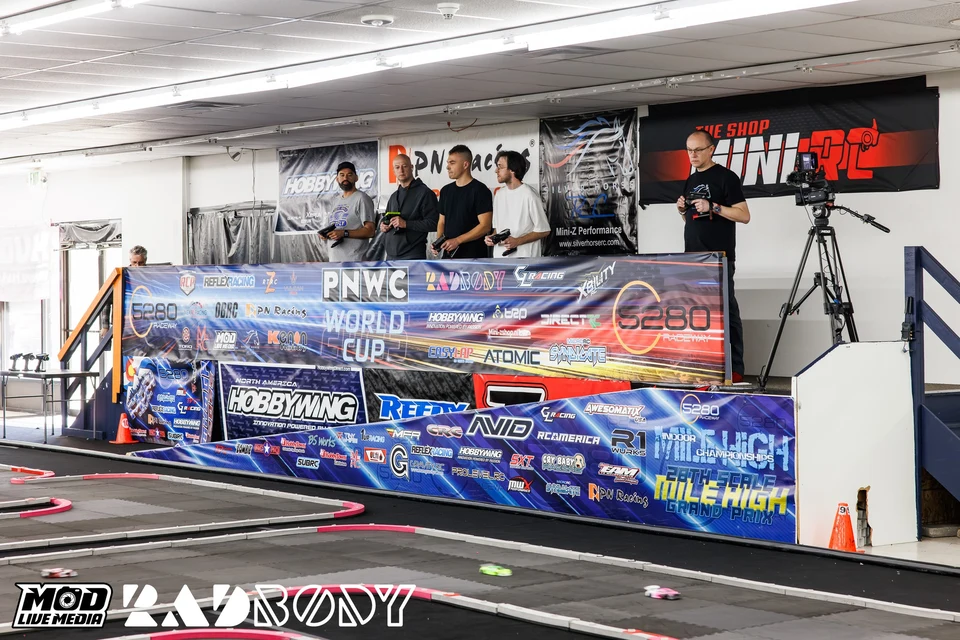
PNWC 2026: the world's best come to Munnekeburen
The 20th PN World Cup, for the first time in the Netherlands: 155 drivers from 20 countries race in Munnekeburen from 5 to 8 November. Free to watch, plus the schedule and the livestream.
Read the story
Your first Mini-Z. It starts here.
From choosing your first car to driving, tuning and maintaining it yourself. Our complete beginner's guide helps you get started, step by step.
Read the story
Kids' party at Mini-Zshop: a birthday on pole position
Celebrate your kids' party on the Mini-Z track in Oldemarkt. Discover the programme, the supervision and everything you'll want to know beforehand.
Read the story
Comments
No comments yet. Be the first!